
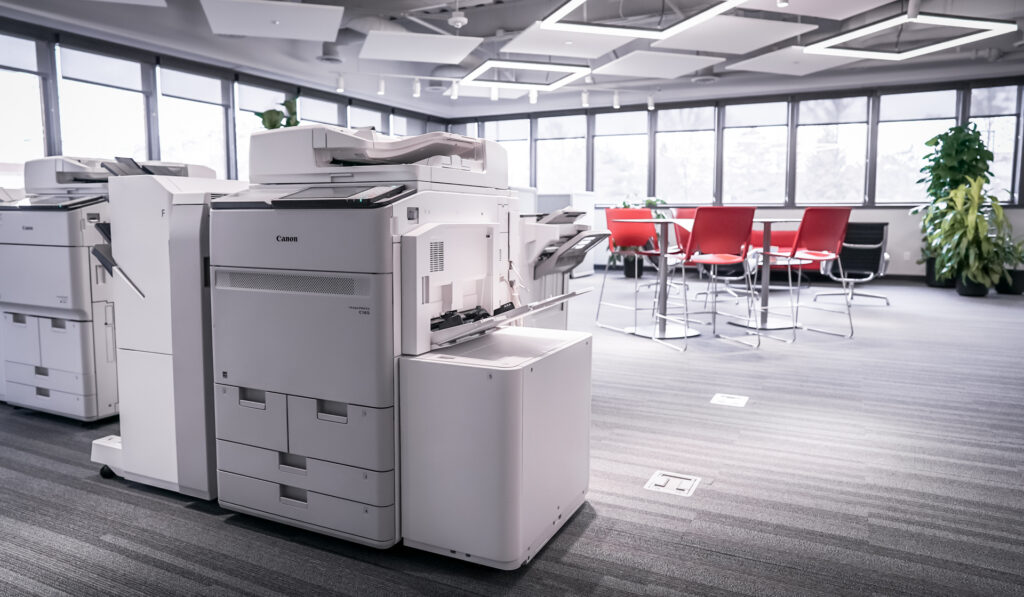
To improve security, Microsoft is permanently removing support for basic SMTP authentication in Office365 as of March/April 2026. After this point you will no longer be able to use basic username/password combinations to authenticate to the platform and must instead use an OAuth token. These changes will impact any device (copier, printer, computer) or service (application, software, etc.) that connects to Office365 and sends emails, especially the Scan To Email function on your printer or copier.
To continue to send emails from your device or service, you need to choose one of the following 3 options and roll it out in your environment. Failure to do so will result in email features like Scan To Email to stop working and receiving this error message:
550 5.7.30 Basic authentication is not supported for Client Submission
1) Generate and use OAuth tokens in your environment
Most newer copiers/printers support the use of OAuth tokens. Depending on device age and its firmware build, your device may require a firmware/software update to enable this feature. In that case, Applied customers with active Maintenance Agreements may open a Service Call with our Call Center and request their device(s) firmware/software be upgraded.
The process to generate and use OAuth tokens is shown below:
Microsoft guides for OAuth use
Setup Your Printer/Copier To Send Mail Using Office365
-
- Ricoh SMTP2GO Integration
Canon Device
- Ricoh SMTP2GO Integration
-
- Cloud Connector
Other Options (Not endorsed or supported by Applied Innovation)
- Cloud Connector
-
- SMTP2GO
Applied Innovation sells Software Solutions that send emails that are impacted by this change as well. Some resources for those products are included below:
- SMTP2GO
-
- For PaperCut customers, see this guide to switch to using OAuth tokens with Office365
https://www.papercut.com/help/manuals/ng-mf/common/sys-notifications-configure-smtp-server-overoauth2-office-microsoft-365/ - For ScanShare Customers:
https://help.scanshare.com/home/connectors/connectors-email/
More Information From MicrosoftReport in Office365 for identifying SMTP Auth use in your environment
https://learn.microsoft.com/en-us/exchange/monitoring/mail-flow-reports/mfr-smtp-auth-clients-report*This guide is provided to help raise awareness and provide resources for modifying your print environment to work with the changes Microsoft is making. Some items in this guide require IT or technical resources and may incur additional costs or changes to your environment; Applied Innovation is unable to create OAuth tokens or setup/support 3rd party solutions for SMTP relay. Our service and networking techs can assist with upgrading device firmware to support OAuth and help populate a copier or printer with customer-provided OAuth settings. If you are unsure of what next steps would look like for your organization, please contact your IT or technical resource for assistance.
- For PaperCut customers, see this guide to switch to using OAuth tokens with Office365